
Step by step instruction on how to create a Microsoft account
When we stop the use of codes being sent to your email address, you will be asked to create a Microsoft account for you to continue to have access to PMI resources. These are the steps you need to follow:
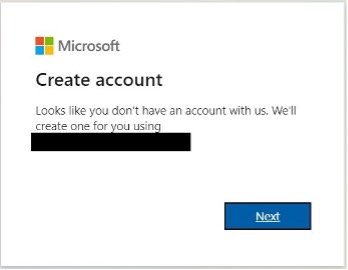
Step 1
You will be taken to create a Microsoft account with your email address
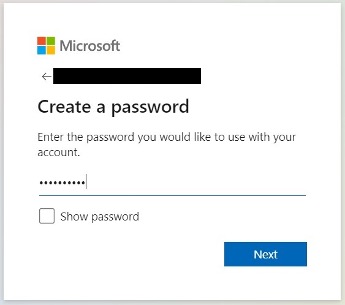
Step 2
Next, you will have to provide a password for your new Microsoft account
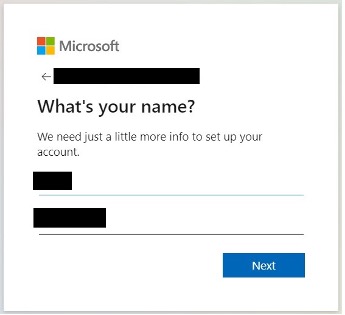
Step 3
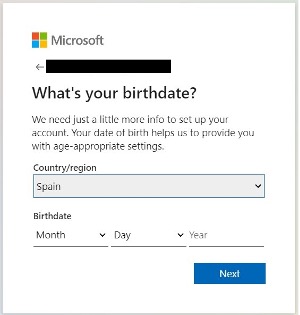
Then provide your Name, Lastname, your country and birthdate
Step 4
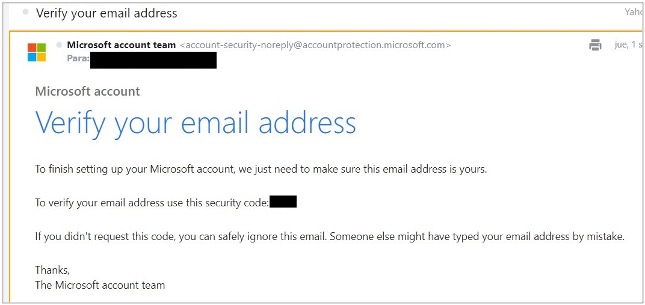
After that you will be sent a code to your email address. The email looks like this
Step 5
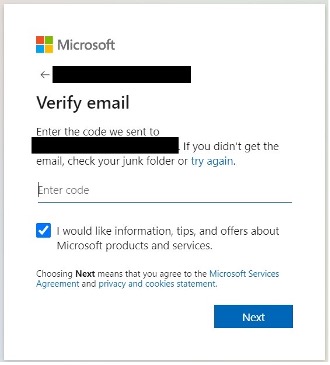
You will have to enter that code here
Step 6
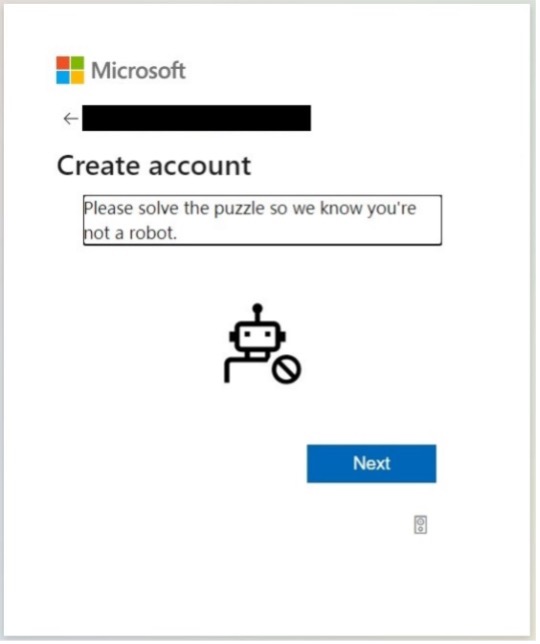
Next you will go through some captcha
Step 7
And finally, you confirm your contact info and accept permissions required by Philip Morris. The windows will look something like this
You are done. Now you can go back to your work as usual